
Welcome, Teachers and Educators!
Looking to bring GoodforMEdia into your classroom? You’re in the right place. We have gathered our youth-centered resources to help students think critically about social media, technology, mental health, and the digital world around them. Whether you’re looking for a quick discussion starter, a classroom activity, or resources to build into a larger lesson plan, our materials are designed to be flexible and easy to make your own. Start with a topic that connects with your students, choose a resource, and bring the conversation to life.
GoodforMEdia’s Educator Toolkit
Choosing a Topic
Start here to explore some of the pressing digital challenges students face today. From AI and social comparison to sleep, group chats, and doomscrooling, GoodforMEdia offers youth-centered resources to help bring these conversations into your classroom.
AI & Education
Explore how AI is changing the way students learn, create, and interact with technology
-
Have students review the guide and share one thing that they didn’t know or that surprised them.
Use it to initiate a class conversation (group or in pairs) about deepfakes by asking for an example of the most convincing deepfake they have come across and how they try to detect them when they are online.
Social Comparison
Help students explore how social media can shape the way we see ourselves and others.

-
Have students review the guide and write down an example of each of the four types of social comparison that they have seen or experienced. Take it a step further by asking them to name a strategy to cope with each type.
Ask students to name the difference between upward and downward social comparison and which is more common.
Explore the question: How can experiences with social comparison be minimized on social media?
Sleep Habits
Good sleep is essential for focus, learning, memory, and our overall wellbeing. Help students understand how nighttime sleep habits can interfere with getting the rest they need to feel productive. Start a conversation around nighttime scrolling, screen habits, and getting better sleep.
-
Discuss how scrolling before bed can affect sleep and next-day learning
Create a class challenge around healthier nighttime routines
Have students create their own healthy screen habits before bed
Navigating Group Chats
Have you ever assigned a group project where students used a group chat to communicate — or had to step in to resolve a conflict between group members? Technology can shape how students communicate, collaborate, and handle conflict. Help your students recognize how digital communication can impact group dynamics and learn strategies for healthier collaboration.
-
Before your next group project: Spend 5-10 minutes discussing how tone and meaning can get lost over text and how group chats can sometimes create misunderstanding or conflict
Make it part of the project: Print the Ways to Navigate Group Chats Handout and look through GFM’s 9 Tips before creating their project group chat. Use it to establish healthy communication.
Turn it into a mini-lesson: Create a “Healthy Group Chat” project by having students work together to create their own group chat guidelines or a short resource teaching other students how to communicate respectively online.
Time Management and Doomscrolling
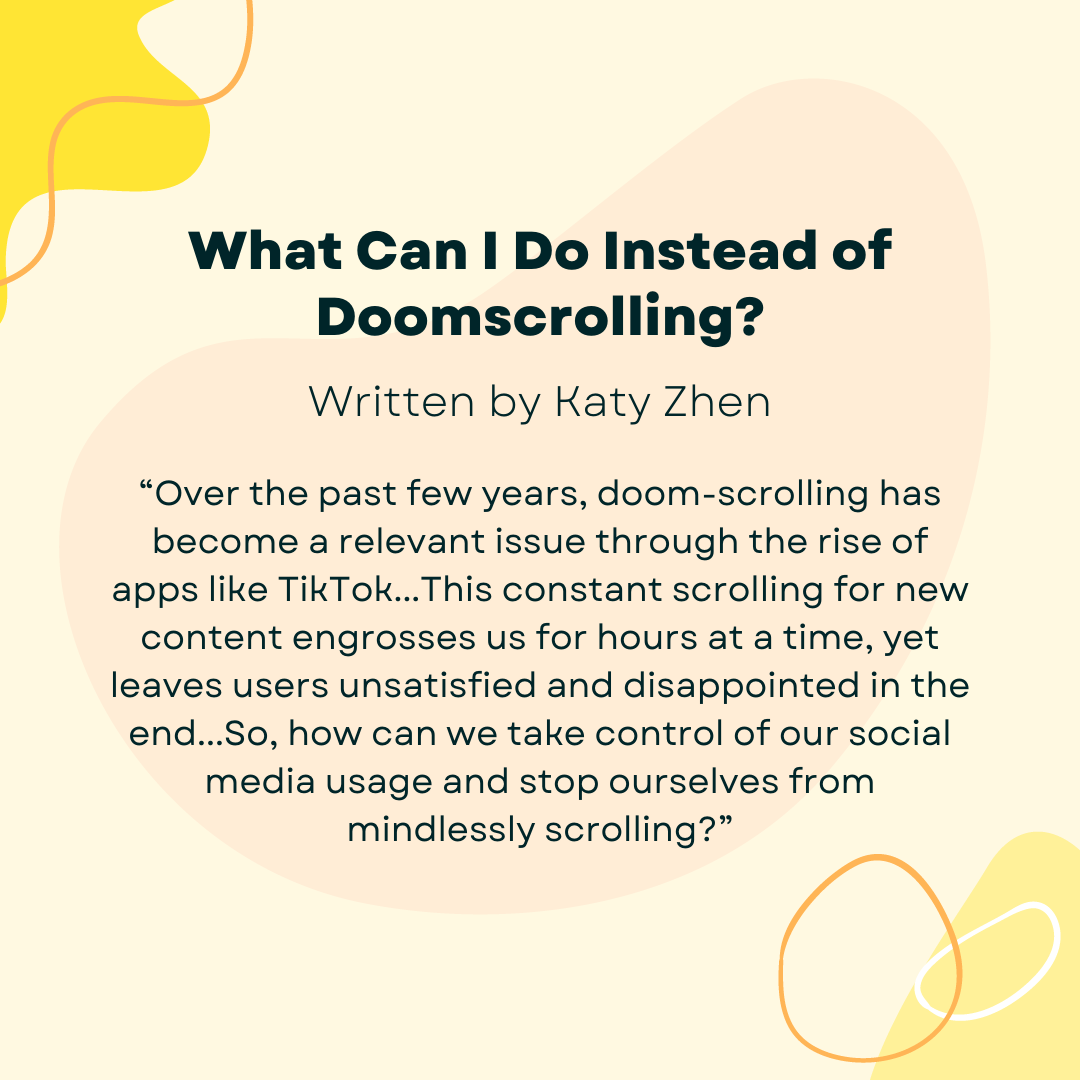
Students are constantly balancing homework, school activities, and social media. Doom scrolling and constant notifications can make it harder to focus and manage time to stay productive. Bring some of these GFM resources to your classroom to improve time management and productivity with your students.
-
Pick 3: Have each student choose 3 activities from the GFM resource that they would realistically try instead of scrolling. At the end of the week, have them share which one they tried and how it impacted their mood and productivity
One-Week Challenge: Have students choose one alternative to scrolling and practice it for a week. Start the next class with reflection questions: Did you actually do it the whole week? Did it help you focus, recharge, or get back to work?
Start the Conversation
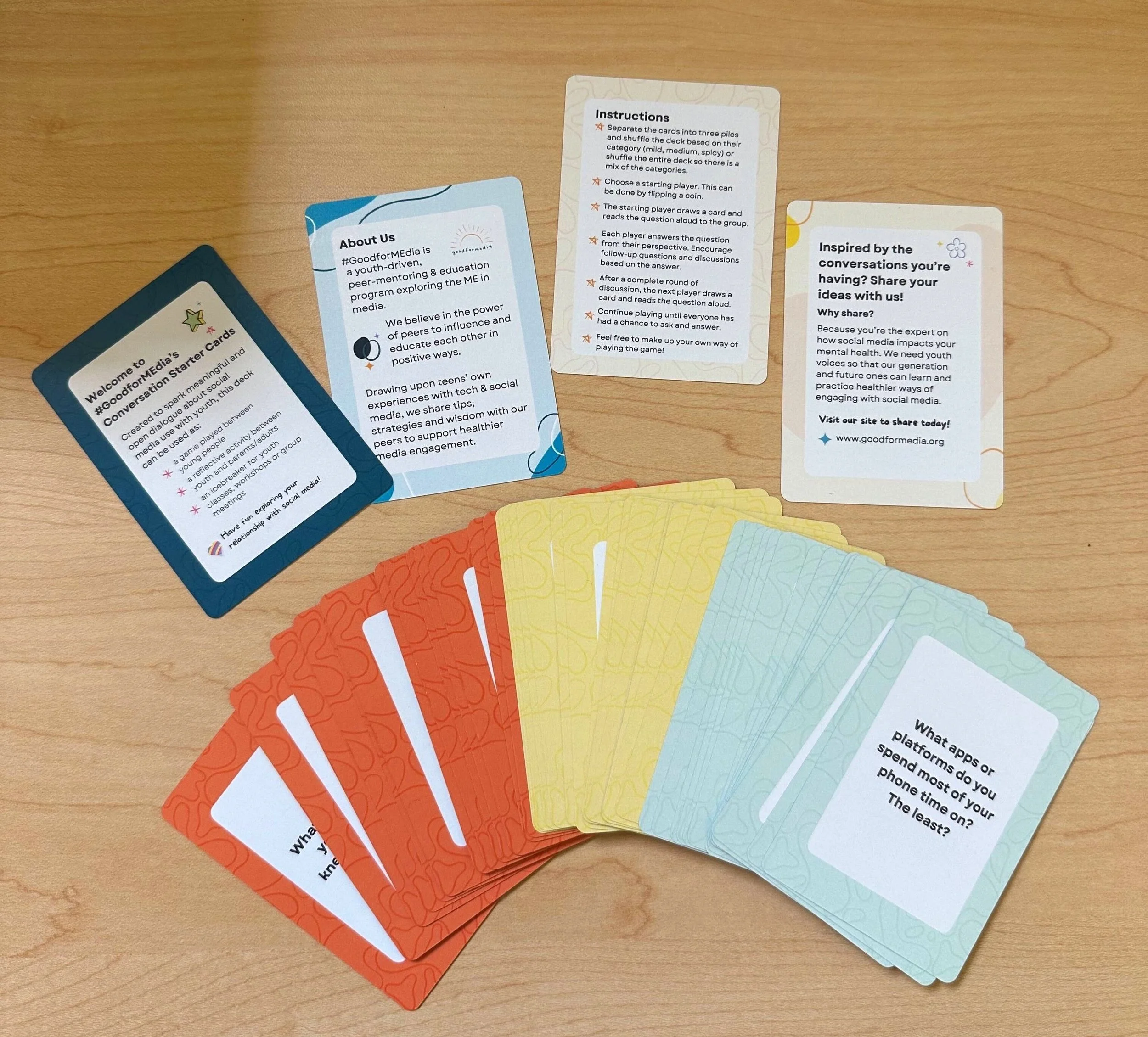
Sometimes all it takes is one good question to get a conversation started, but what should you ask? GoodforMEdia's got you covered! Explore our collection of Conversation Cards to spark discussion in your class about social media, technology, mental health, and students' everyday digital lives.
-
Class Opener Daily Question
Small-group Discussion
Reflection Activity
Icebreakers
Bring in Youth Voices
Sometimes the best way to understand students’ digital lives is to hear directly from young people. Our GoodforMEdia testimonials give students a chance to see other youth perspectives and allows you to gain insight into how social media and tech can affect learning, relationships, and mental health. Listening to youth voices can help create a classroom where students feel heard and where their own experience becomes part of the learning.

-
Use a testimonial as a class discussion starter, reflection activity or jumping-off point for a student project.
Watch & reflect: Show a GoodforMEdia testimonial and have students reflect on what they most related to, disagreed with, or learned from the speaker
Make this into a class project: Use this to listen to our student voices. Each student or small group can create their own short testimonial or media submission about social media or how technology impacts their lives, learning, and well-being. Students can create videos or other creative media to highlight what they wish teachers, parents, or other students understood about their digital experiences. Feel free to visit our How to Get Involved: Share Your Perspective page for more info about submission guidelines